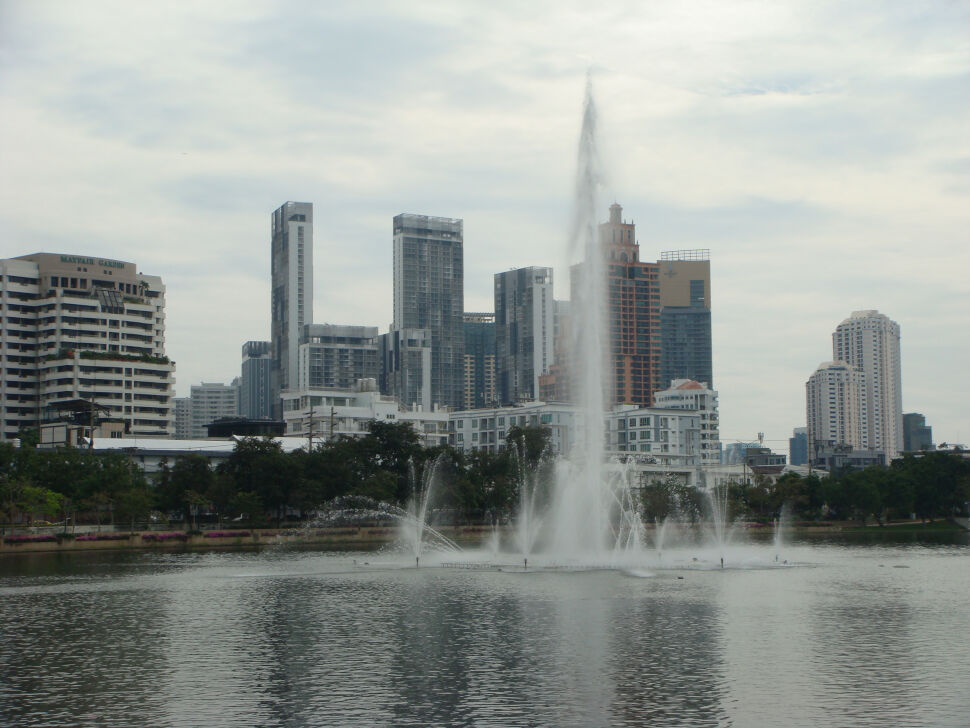
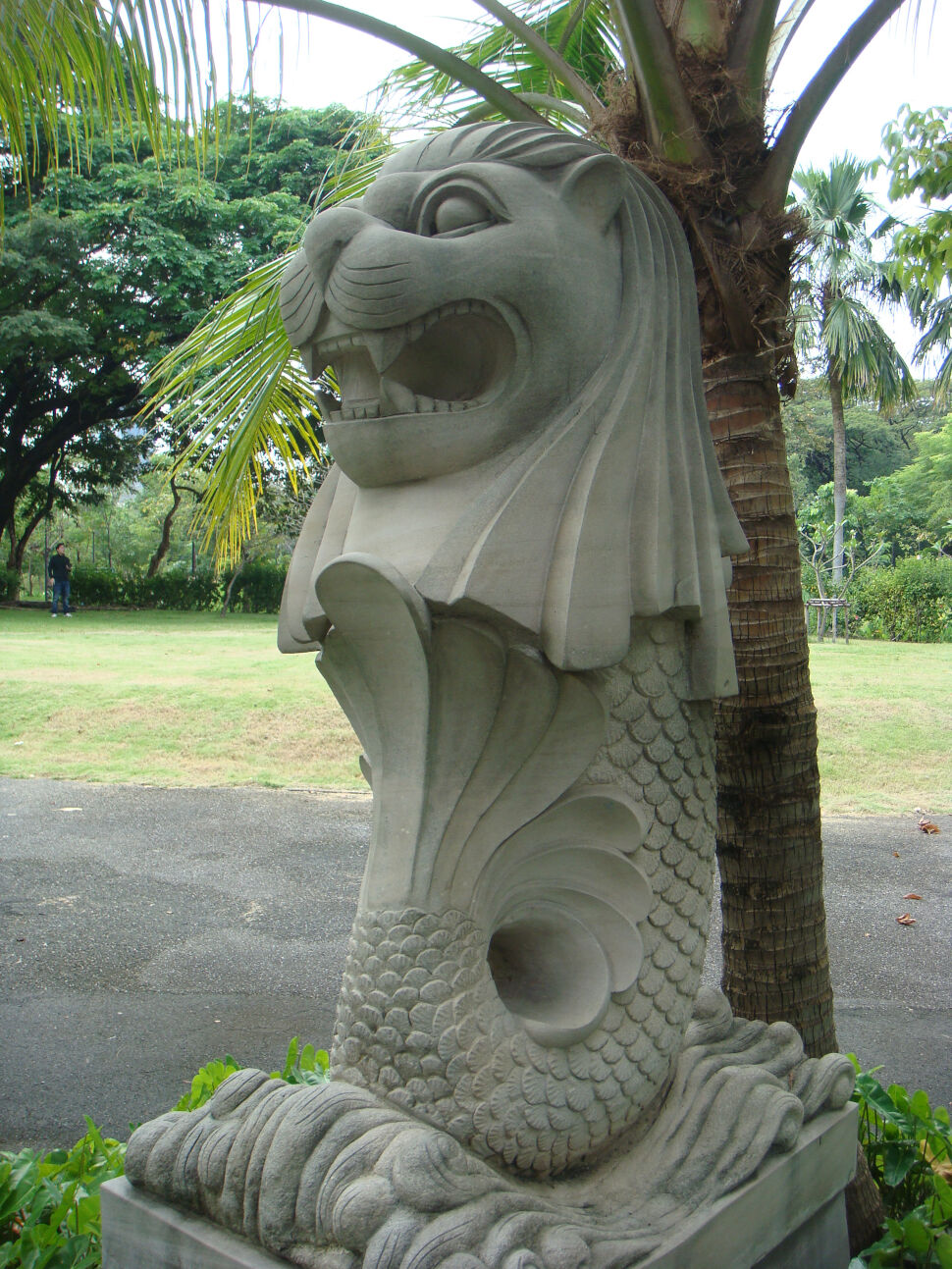
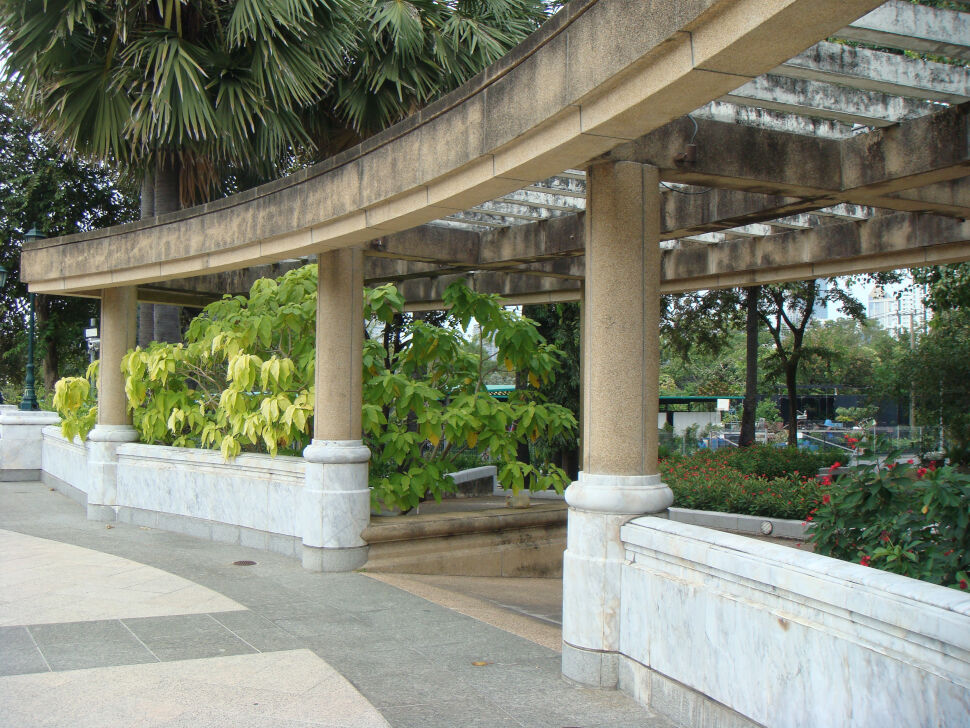
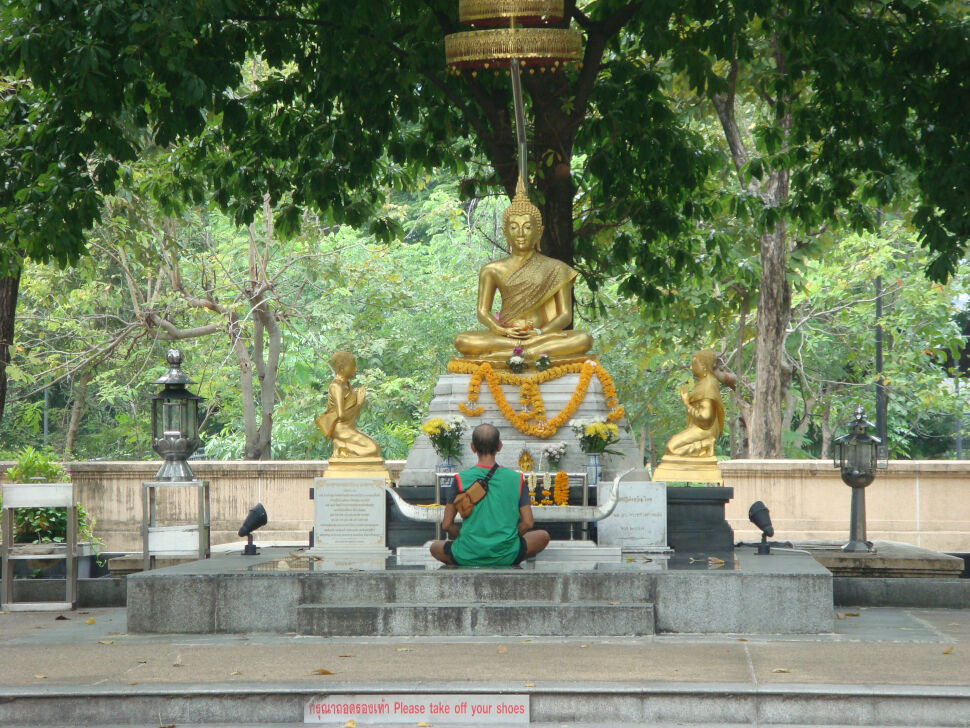

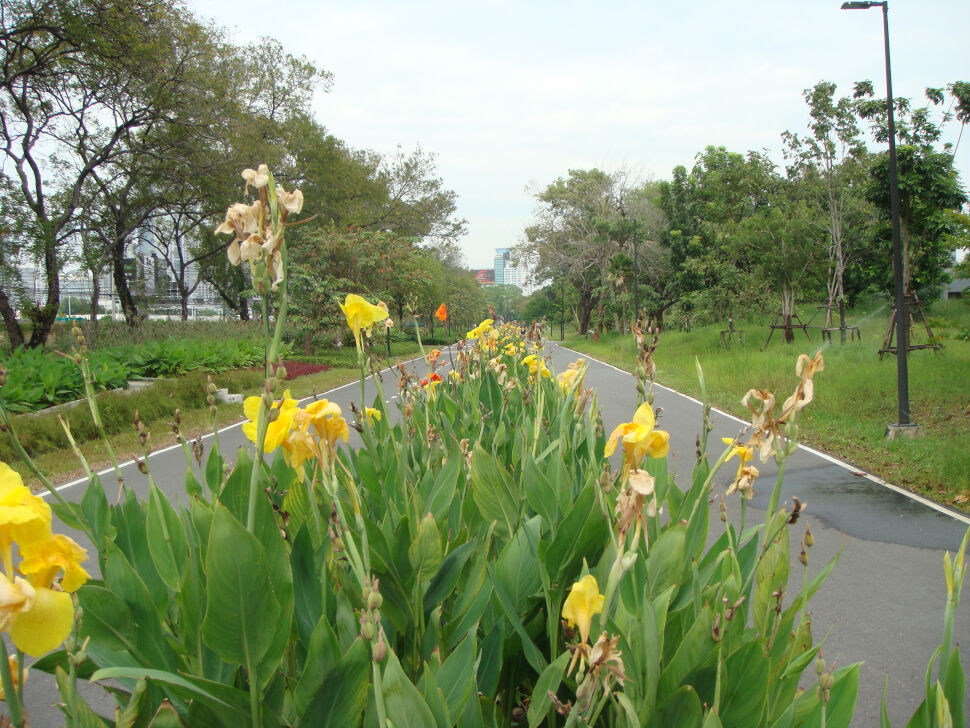

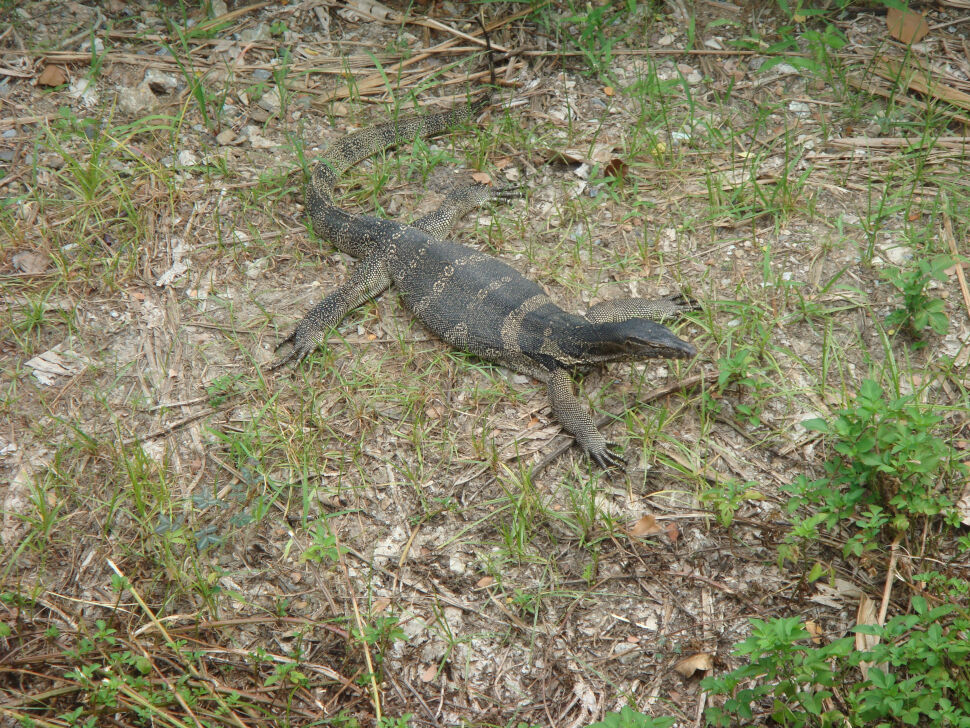


Some photos from in and around Benchakitti Park in Bangkok. Shot with a Sony Cyber-shot DSC-T100.

Posted
by
DURT!
Categories
Photography, Sony Cyber-shot DSC-T100
Some photos from in and around Benchakitti Park in Bangkok. Shot with a Sony Cyber-shot DSC-T100.
Posted
by
DURT!
Categories
Microsoft Windows 10
Some sloppy PowerShell code to get a window back when it’s open, but outside the screen.
Add-Type @"
    using System;
    using System.Runtime.InteropServices;

    // https://msdn.microsoft.com/en-us/library/windows/desktop/dd162897(v=vs.85).aspx
    public struct RECT
    {
        public long left;
        public long top;
        public long right;
        public long bottom;
    }

    public class User32WinApi
    {

        // https://msdn.microsoft.com/en-us/library/windows/desktop/ms633505(v=vs.85).aspx
        /*
            Gets the handle of the in-focus window
            NB: In some scenarios this can be NULL; so code needed to handle such an event
        */
        [DllImport("user32.dll")]
        public static extern IntPtr GetForegroundWindow();

        // https://msdn.microsoft.com/en-us/library/windows/desktop/ms633503(v=vs.85).aspx
        /*
            top & left are always 0 (i.e. since the rectangle is relative to the window itself)
            bottom & right equal the windows hieght and width, respectively.
        */
        [DllImport("user32.dll")]
        [return: MarshalAs(UnmanagedType.Bool)]
        public static extern bool GetClientRect(IntPtr hWnd, out RECT lpRect);

        // https://msdn.microsoft.com/en-us/library/windows/desktop/ms633534(v=vs.85).aspx
        [DllImport("user32.dll")]
        [return: MarshalAs(UnmanagedType.Bool)]
        public static extern bool MoveWindow(IntPtr hWnd, int X, int Y, int nWidth, int nHeight, bool bRepaint);

    }

"@
$repaint = $true
$windowSize = New-Object RECT

"Quick; get the window you're after in focus; you have 5 seconds..."
Start-Sleep -Seconds 5 #allow 5 seconds for the user to get the window they're after in focus (e.g. using ALT+TAB / whatever)
$activeWindow = [User32WinApi]::GetForegroundWindow()
if ($activeWindow) {
    if([User32WinApi]::GetClientRect($activeWindow, [ref]$windowSize)) {
        if ([User32WinApi]::MoveWindow($activeWindow, 0, 0, $windowSize.right, $windowSize.bottom, $repaint)) {
            "Window moved successfully (hope you agree!)"
        } else {
            Write-Warning "Failed to move the active window"
        }
    } else {
        Write-Warning "Failed to get size of the active window"
    }
} else {
    Write-Warning "No active window found"
}
Posted
by
DURT!
Categories
Photography, Sony Cyber-shot DSC-T100
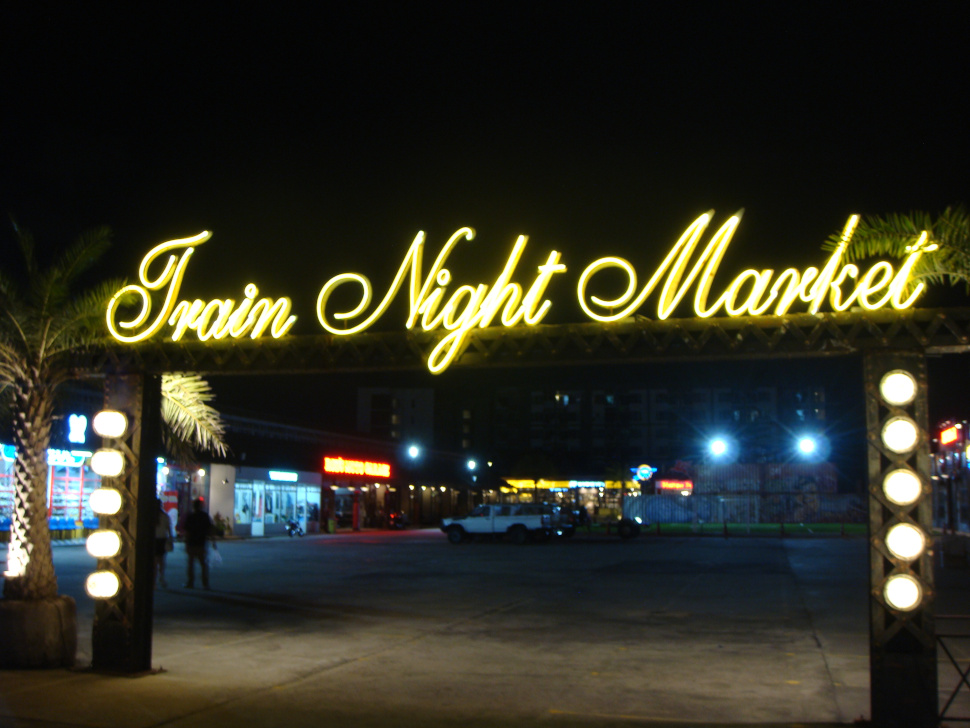

Photos of the Srinagarindra Train Night Market neon signs. Shot with a Sony Cyber-shot DSC-T100.